
When an error occurs during synchronization, Field Sync writes the error details to the app logs. Administrators can download these logs from Atlassian Administration to see what caused the problem.
Downloading Logs
Only Organization admins and Site admins can download app logs.
-
Go to Atlassian Administration (admin.atlassian.com). Select your organization if you have more than one.
-
Select Apps > Sites and select your site.
-
Select Connected apps from the left sidebar.
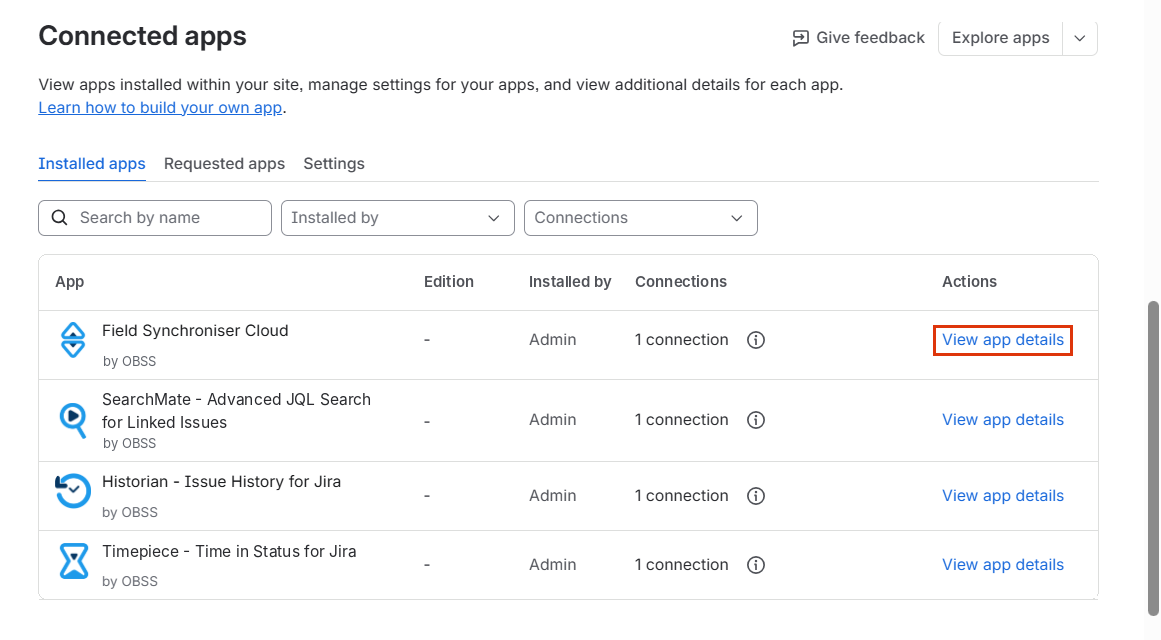
-
Select Field Sync from the list.
-
In the Analytics and Logs section, click Download Logs.
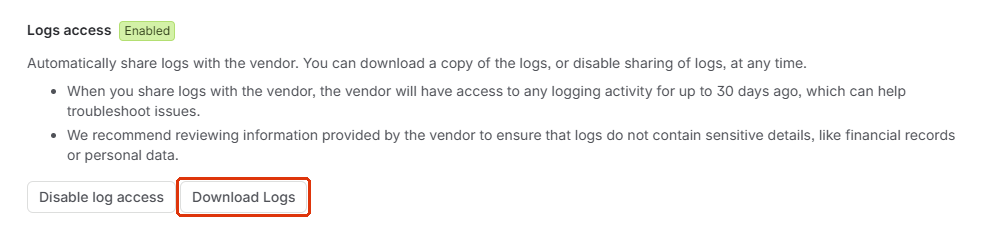
-
A preview of the logs will open. Review it and download the file.
Logs are available for up to the last 30 days.