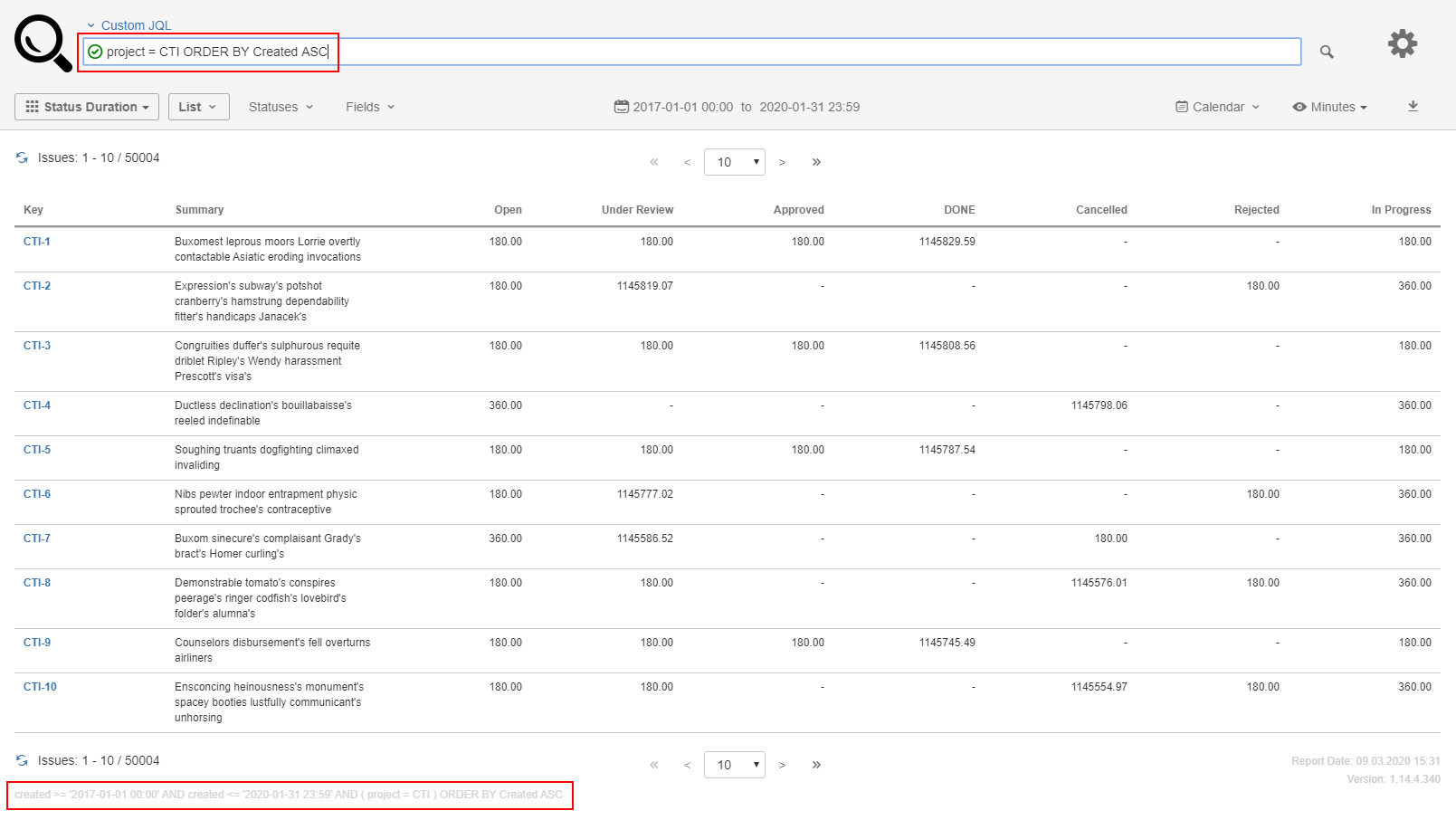
This article describes how to control the order in which issues appear in a Timepiece - Time in Status for Jira report. Because report data is retrieved with JQL — either a presaved Jira filter or a Custom JQL query entered on the Timepiece screen — any ORDER BY clause in that JQL is respected in the report output. This means a shared report can put the most relevant issues first and be acted on directly, without recipients having to re-sort or export the data.
Business Need
You want to order the issues in your Timepiece - Time in Status for Jira report based on fields on your issues.
Solution
If you want to order the report data by fields on the issue, you can use JQL Filter or Custom JQL report filtering options.
JQL Filter option allows you to select a presaved Jira filter for reporting. Custom JQL options allows you to enter a JQL Query directly from Timepiece screen.
In both cases, your JQL can contain an ORDER BY clause and Timepiece respects the ORDER BY clause in your JQL.